

Currently Empty: ₹0.00


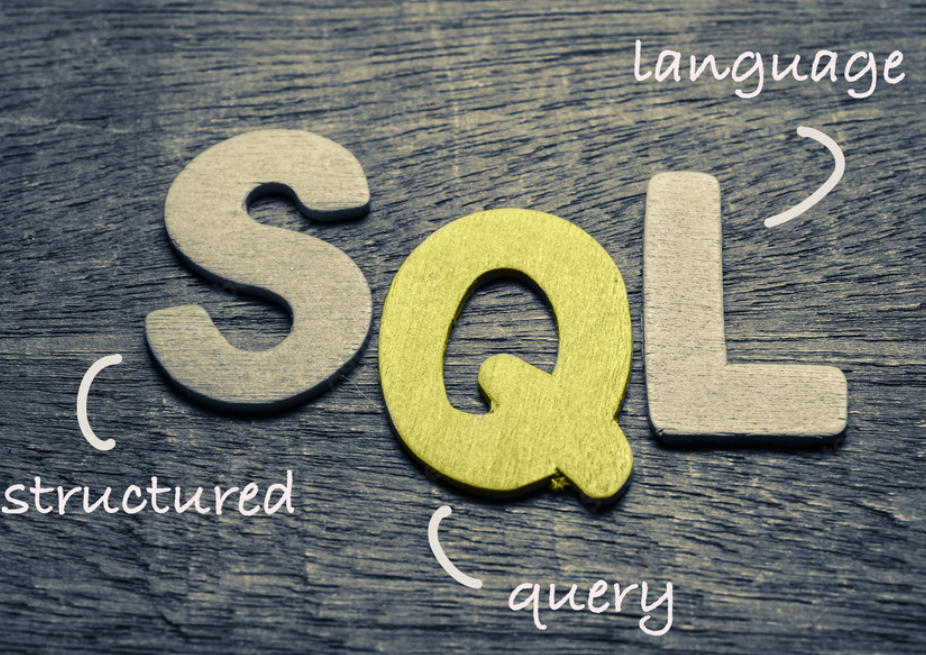
SQL stands for Structured Query Language. It’s how we talk to computer to work with the data in the database.
It was Introduced in the 1970s and developed by IBM scientists
Let us talk about Real Life Example:
Imagine a library 📚:
- There is a big notebook that keep Track of all the books.
- you are the librarian, and you need to ask that notebook questions, like:
- “Show me all the books written by J.K. Rowling”
- “Add a new book to the list.”
- “Update the number of copies available.”
- “Delete a book that’s no longer available.”
You ask all these questions using SQL!
“Be the change that you wish to see in the world.” – Mahatma Gandhi
WHY SQL ?
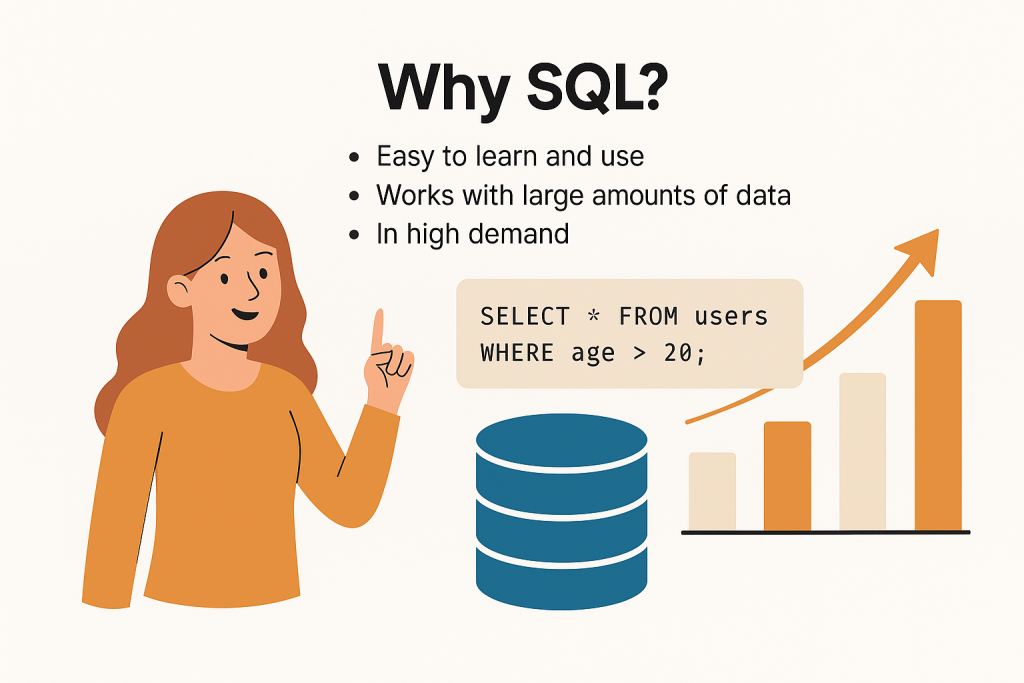
We use SQL because it’s the easiest way to manage and ask questions about data in a computer.
Let have a Fun game idea:
🎮Game Title: SQL Detective
🎯Game idea:
You are a data detective working for a company. You have access to a database full of information like customers , products , orders, etc.
Your job is to use SQL commands to solve cases. So Every level is a mission.
Mission-1 : who is spy?
There’s a spy hiding in your database. He’s over 40 years old and lives in “London.”
SELECT * FROM people WHERE age > 40 AND city = ‘London’;
Mission-2 : Add a new Agent
Add Agent “Lily” (age 30) from “Paris” to the system.
INSERT INTO people (name, age, city) VALUES (‘Lily’, 30, ‘Paris’);
Mission -3 : Fix a file
Agent Tom’s age was recorded wrong. It should be 29.
UPDATE people SET age = 29 WHERE name = ‘Tom’;
Mission-4 : Delete a Bad Agent
Remove Agent “EvilBot” from the system.
DELETE FROM people WHERE name = ‘EvilBot’;
Mission-5 :Count the Agent
How many Agents are Older than 25?
SELECT COUNT(*) FROM people WHERE age > 25;
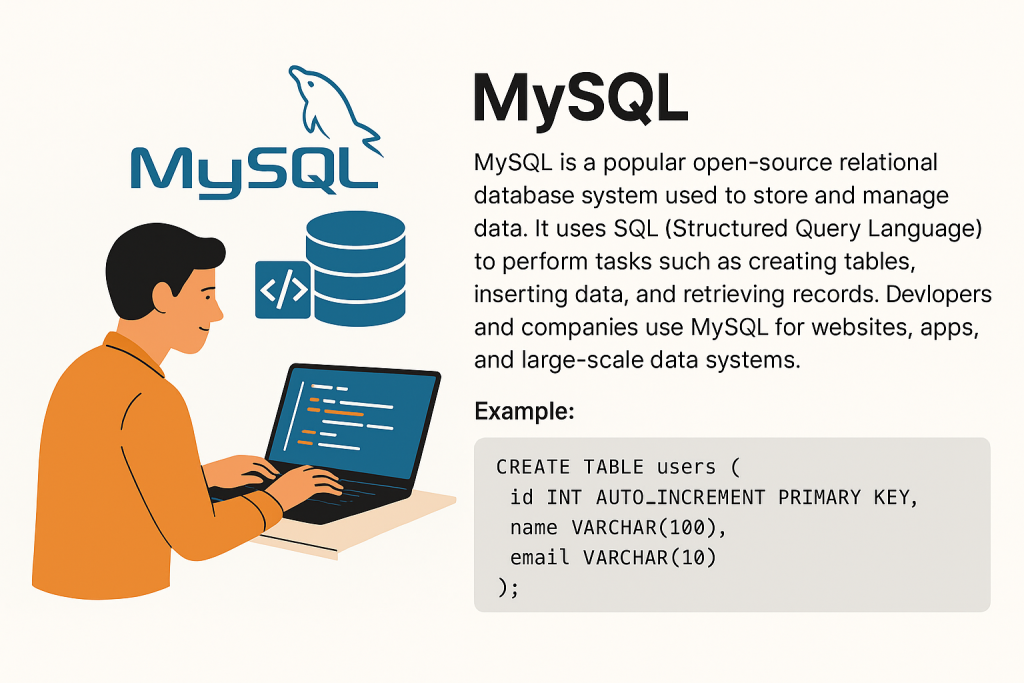
MySQL is a popular open-source relational database system used to store and manage data. It uses SQL (Structured Query Language) to perform tasks such as creating tables, inserting data, and retrieving records. Developers and companies use MySQL for websites, apps, and large-scale data systems.
Syntax:
CREATE TABLE users (
id INT AUTO_INCREMENT PRIMARY KEY,
name VARCHAR(100),
email VARCHAR(100)
);
💾 1. DDL (Data Definition Language)
These commands are used to define and manage structure (tables, databases, etc.)
Commands:
CREATE– makes a new table or databaseALTER– changes the structure (like add/remove a column)DROP– deletes a table or database
.
🧾 2. DML (Data Manipulation Language)
These commands are used to change or manage the data inside tables.
These commands are used to change or manage the data inside tables.
Commands:
INSERT– adds new dataUPDATE– edits existing dataDELETE– removes data
INSERT INTO students (id, name) VALUES (1, ‘Aisha’);
UPDATE students SET name = ‘Ali’ WHERE id = 1;
DELETE FROM students WHERE id = 1;
UPDATE students SET name = ‘Ali’ WHERE id = 1;
DELETE FROM students WHERE id = 1;
🔐 4. DCL (Data Control Language)
Used for security and permissions.
Commands:
GRANT– gives permission to usersREVOKE– removes permission
How it works:
Helps control who can do what in the database.
Syntax:
GRANT SELECT ON students TO user123;
REVOKE SELECT ON students FROM user123;
3. DQL (Data Query Language)
Used to get data from the database.
You use SELECT to view data based on conditions.
Syntax:
SELECT * FROM students;
SELECT name FROM students WHERE id = 1;
🔄 5. TCL (Transaction Control Language)
Controls groups of changes to make sure they happen safely.
Commands:
COMMIT– saves the changesROLLBACK– cancels changes (undo)SAVEPOINT– sets a point to return back if needed
How it works:
Useful when you’re doing multiple steps. If something fails, you can cancel all previous steps safely.
Syntax:
BEGIN;
UPDATE students SET name = ‘Zara’ WHERE id = 2;
ROLLBACK; — undo the update